
KRINAVI TRIP FIT
KRINAVI Trip Fit
70/100Can you enable a hotspot with a Korea eSIM? Don’t treat one person’s internet as the group’s backup。 Judge the complete door-to-door route and changeable details first; do not decide from attraction fame or one headline price alone.
- Time efficiency70/100
- Route fit70/100
- Planning flexibility70/100
- Weather resilience70/100
- Crowd control70/100
- Value for cost70/100
Visible dimensions organize the page conditions across time, route, booking, weather, crowds, and cost; each uses five-point increments and the total is their mean.
Check before departure: Recheck official hours, prices, reservations, service, weather limits, and same-day crowd notices before departure.
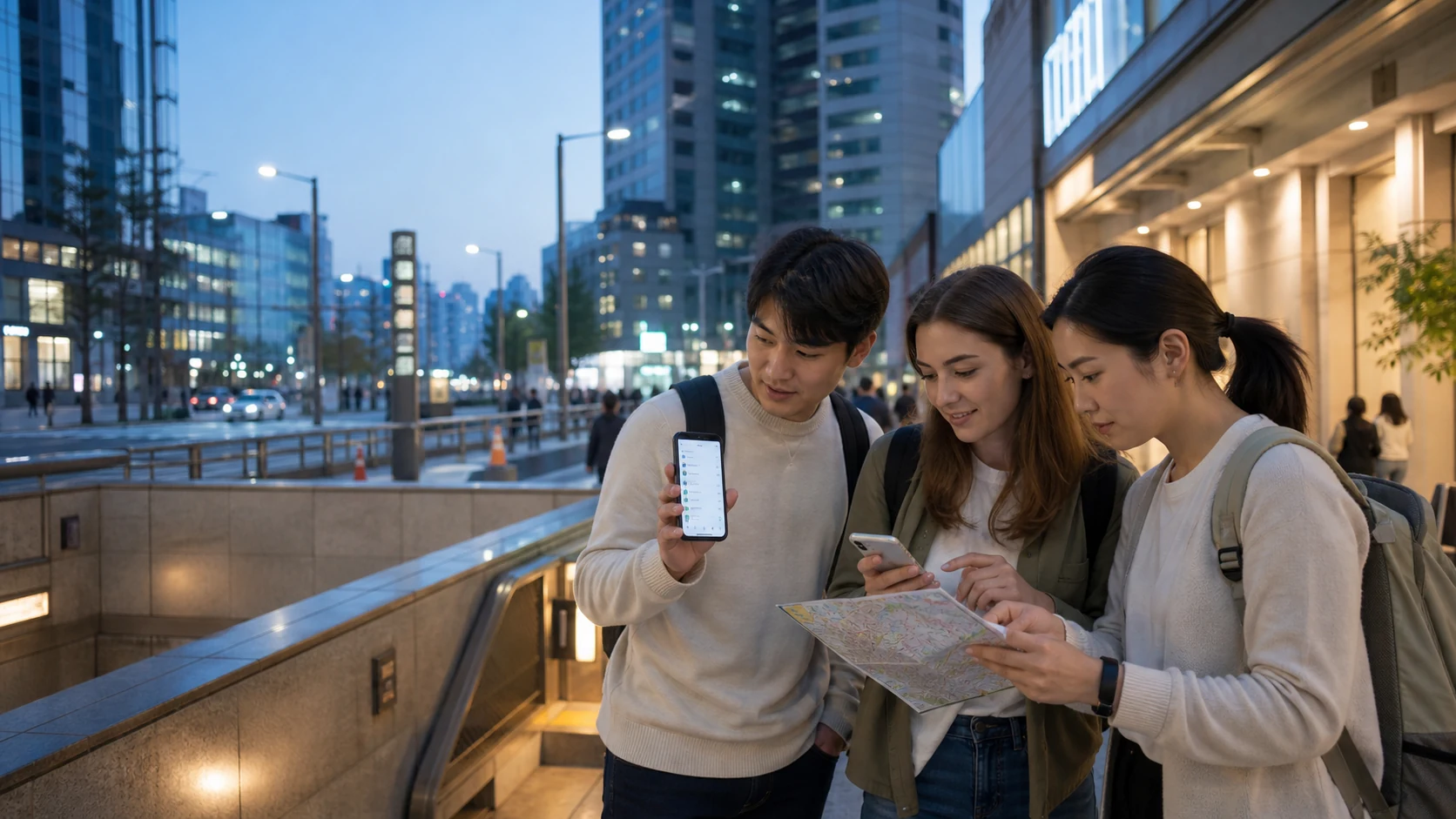
This article won’t frame a hotspot as a one-size-fits-all solution. It addresses a more practical question: are you willing to have one phone handle navigation, payment verification, photo-taking, ride-hailing, and everyone else’s internet? If your answer is “not really,” you should split each person’s connectivity needs up front—rather than hesitating over the phone settings page once you’re already in South Korea.
First, separate them clearly: the phone’s functions, the eSIM product terms, and your travel plan are three different things.
As long as iPhone and Android have an option for “Personal Hotspot” or “Mobile Wi‑Fi hotspot,” it doesn’t mean the eSIM you bought will automatically allow sharing. Some plans explicitly allow tethering, some restrict it or slow it down, and others don’t place the conditions in the most obvious spot. Before buying, read the named product page—not just the phrase “unlimited data.” Especially with unlimited data plans, fair-use terms, the daily high-speed quota, and hotspot rules often matter more than the total amount.
The second thing is the phone itself. You can set the Korea eSIM as your mobile data source and turn on a hotspot, but you still need to keep your original phone number for SMS only. This dual-SIM setup can work, but only if you know which SIM handles the data—so your Taiwan number doesn’t accidentally get used for roaming. If you haven’t sorted that out yet, start withHow a Korea eSIM can coexist with your original phone number; if bank or airline SMS must not be missed, thenkeep the settings for your Taiwan phone numberto finish first.
If you plan to share internet, first check whether the product terms explicitly state hotspot and data limits.
When one person becomes the internet hub, it’s rarely a lack of data—more often, the person leaves first.
Handing the hotspot to one traveling companion is only suitable in a pretty narrow set of situations: you move together almost every day, there are only one or two people sharing, everyone’s phones are usually fully charged, and no one needs to go out early and come back late alone. For example: a family starting from a hotel together, a private car ride with the same group, or letting a tablet connect for a short time. In these shared scenarios, you reduce the number of cards and settings needed.
On the other hand, when you’re chasing concerts, going shopping with friends, or different people want to visit different cafés, the hotspot becomes “where the hotspot holder is, that’s where the internet is.” The busiest 20 minutes—when the crowd is densest and subway exits are most crowded—is exactly when everyone needs maps, messages, and ride-hailing. If one person goes in first while someone else waits outside, sharing the internet instantly becomes pointless. This isn’t because your companions aren’t cooperative—it’s because travel naturally causes people to split up.
So, before you use one eSIM as the main internet for the whole group, ask three questions first: Who might need to go off on their own? Whose phone most often runs out of battery? If that person loses internet, would it directly affect meeting up or safety? As soon as any one question has a clear “yes, that person,” don’t tie that person’s connection to everyone else. For group travel, you can then useInternet responsibilities split among companionsso you don’t mistakenly treat “we’ll be together” as “we’ll never separate.”
Hotspot power drain and heat can turn a phone that was normally fine into a night-time risk.
Turning on a hotspot isn’t just another icon on your screen. It keeps mobile data and Wi‑Fi transmission running at the same time. As soon as another device downloads photos, syncs to the cloud, or does automatic updates, the hotspot holder’s battery level and temperature rise faster. In daylight it may still look like you have 60% charge, but before dinner it can drop quickly—because navigation, the camera, and the hotspot may be running simultaneously. Power banks can help, but it’s still like adding another line to manage: another device, another battery, and more opportunities to deal with charging.
This matters especially for concerts, winter outdoor lineups, or self-driving in Jeju. The first two involve large crowds and messaging that needs to happen right away. The last one may be when you’re already out of the city and only then remember you need to check the route. If your schedule may go into the mountains, first doPlan low-temperature connectivity for Korean ski resortsmanage battery levels, meet-up timing, and return shuttle transfers. If your phone’s battery health is already not great, don’t assume that “buying more data” will fix it—more data just lets more devices use the network more confidently, but it doesn’t add power to your phone. If you’re comparing a fixed data amount versus heavy usage, first readthe real trade-offs of an unlimited data eSIM, then decide whether hotspot access is truly a necessary condition.
If you only plan to let companions occasionally check maps, you can simply compare the validity period and terms of a low-data plan.
Laptops, tablets, and a second phone: what you need might not be “everyone having internet.”
Writing the hotspot need as “companions need to get online” is too vague. If the goal is short-term sharing—like letting a child use a tablet in the car, a worker handling one email, or occasionally sending files with a camera—then it can be reasonable. But if you’ll be doing video calls for hours every day, uploading materials, going live, or using a laptop as your main work station, a phone hotspot shouldn’t be treated as a guarantee. Beyond data consumption, there are battery level, heat, signal locations, and product usage rules—any of these can force you to hunt for Wi‑Fi exactly when you need stability most.
If there are times during the trip when you can’t interrupt video, need a VPN, or must hand in documents, switch toa dual-network setup for working on a laptop during your trip in Korea—first test the hotel Wi‑Fi and your phone hotspot, then set the threshold for when to switch.
Likewise, don’t connect everyone to the hotspot just because you “might” use it. First list the devices and time periods that truly need a connection: evenings when the hotel already has Wi‑Fi don’t count, and waiting times at the airport when there’s internet don’t count either. What really counts is the need while moving, outside attractions, or when you temporarily change plans. This will estimate reality more closely than calculating data based purely on the number of travel days. If you haven’t estimated daily usage yet, start by checkinghow much data maps, short videos, and cloud services will use。
The backup that’s truly worth setting up is to ensure that once any one person leaves the hotspot, the first leg of the trip can still be completed.
Even if you ultimately decide to share, don’t make it so others have zero ability to break away from the hotspot. At minimum, save the hotel address, your meeting point, the name of the next stop, and emergency contact info as offline screenshots. At the same time, download offline maps and agree that if you get separated, you won’t need real-time messaging to find the next meeting location. This isn’t about making everyone a leader—it’s about preventing the whole group from stopping because one phone runs out of battery.
If you only want to provide brief backup for one companion, a hotspot can work. If everyone may move independently, giving each person their own eSIM is often simpler. It doesn’t have to be the highest-data or most expensive version—just enough to handle navigation, messaging, and an occasional request for a ride. For the full ordering of Korea eSIM options, return toKRINAVI eSIM GuideOnce you already know the number of travel days, use the valid days calculation.Valid days algorithmso you don’t buy something too long or too short.
Use hotspots as a temporary tool, not as a way to concentrate all risks on one person.
The most practical approach is usually somewhere between “everyone buys one ticket” and “the whole group uses just one.” When two people travel together and their daytime itineraries overlap heavily, one person can share their own eSIM to a tablet. But if you both have separate phones with basic plans, then when it’s time to split up for shopping, visit different spots, or one person returns to the hotel early, no one has to wait to find the other first. This prevents waste from overreaching for absolute independence, and it avoids stuffing meetings, transportation, and emergency messages onto a single device just to save a little money.
If you want to save data, start with your habits: download offline maps first, turn off photo auto-backup, keep streaming for the hotel Wi‑Fi, and remind everyone not to auto-update when sharing. These steps are more controllable than buying a bigger plan, and you don’t have to sacrifice the essential ability to stay in touch. On the other hand, if you already know you’ll be taking lots of short videos, uploading for work, or using a tablet for extended periods with your kids, be honest and include that requirement. Data isn’t “used up by someone”—it’s something your itinerary already needs.
Also, before turning on the hotspot, set the network name and password on your phone in advance so you’re not scrambling to type it in at the platform, in a crowd, or next to a taxi. Don’t share the password with accommodation door locks or bank accounts. When you’re done, you can also turn off auto-join to prevent unfamiliar devices from connecting. These are small steps, but they bring sharing back into a controllable range: it serves a specific stretch of the trip—not quietly becoming everyone’s only lifeline for the entire journey.
Once you’ve decided each person will connect separately, now directly check the validity period and data conditions on the Korean product page.
Finally, do one last reverse check: if the phone that’s providing the hotspot suddenly turns off, can the others still know the next stop, the hotel, and the meeting time? If the answer is no,add in offline information or get an independent plan now. This isn’t preparing more anxiety—it’s closing the gap in the trip that’s hardest to fix at the last minute.
More reading
Break “sharing” into the next actual task that really needs attention
Data sources and verification
- Apple Support: Set up Personal Hotspot
- Samsung Taiwan: Configure Galaxy Mobile Wireless Hotspot
- Whether an eSIM product can share hotspot, and any limits on data and speed are adjusted by the plan; the terms on the named product page at the time of payment apply.
If your travel companions have kids, a stroller, or may handle luggage separately, a hotspot shouldn’t be the only arrangement. You can first reviewWays to split eSIM duties for a Korea trip with kids, and assign meeting up, navigation, and backup contact duties to different people.

KriNavi decision card
Best use of this page: Can you enable a hotspot with a Korea eSIM? Don’t treat one person’s internet as the group’s backup
Core judgement: Many phones can share eSIM data over a personal hotspot, but that does not automatically make. Use the practical trade-offs to make the final trip decision.
Sources checked in this page: Source 1 · Source 2 · Source 3 · Source 4
This card only reorganizes sources already listed by the page. Recheck live hours, prices, service, and restrictions for the travel date.