
KRINAVI TRIP FIT
KRINAVI Trip Fit
70/100How Should Korea eSIM and Your Taiwan Number Split the Work? Don’t Let Your Phone Turn on Roaming for You。 Judge the complete door-to-door route and changeable details first; do not decide from attraction fame or one headline price alone.
- Time efficiency70/100
- Route fit70/100
- Planning flexibility70/100
- Weather resilience70/100
- Crowd control70/100
- Value for cost70/100
Visible dimensions organize the page conditions across time, route, booking, weather, crowds, and cost; each uses five-point increments and the total is their mean.
Check before departure: Recheck official hours, prices, reservations, service, weather limits, and same-day crowd notices before departure.
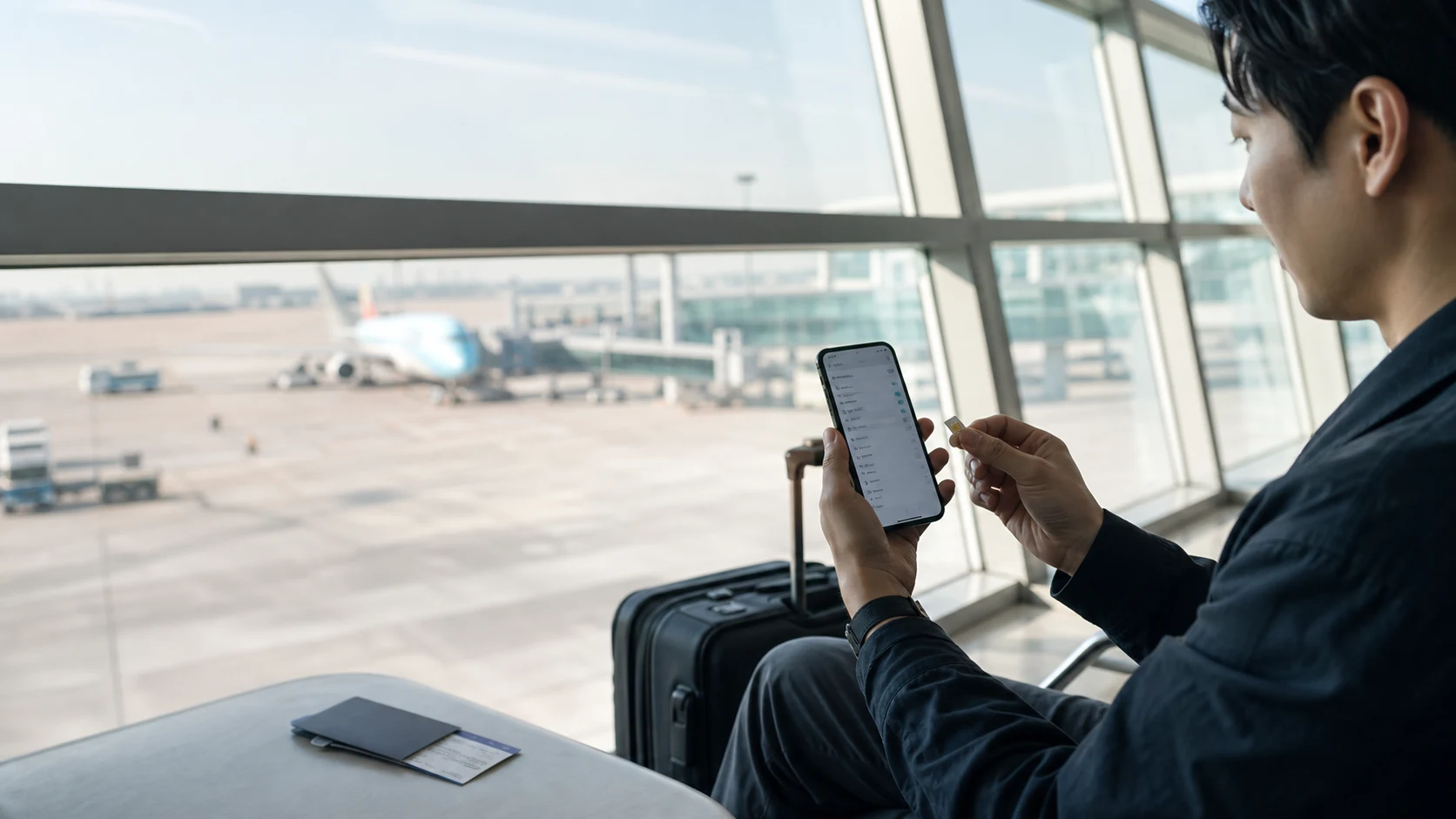
Start with one decision: do you actually need to keep your original number? If you need bank OTPs, airline messages, or work calls, the answer is usually yes. If you only use messaging apps and have no urgent account verifications, you can leave the original SIM at a minimum level. This article is not about whether a Korean phone number is necessary. It is about what to do once you have already decided to keep your original SIM, so the two cards do not compete for the same job.
Define the four roles clearly, and your settings will be more than just “on” and “off”
The first role is mobile data: the Korea eSIM. The second is receiving SMS to your original number: the Taiwan SIM. The third is the default for voice, which usually can stay on your original number. The fourth is data roaming, which the original SIM must have turned off. This seemingly simple setup lets maps, ride-hailing, and messages run through the eSIM while preserving the SMS you actually need. Every time you switch cards or restart the phone, it is worth checking the data source again, because system updates, weak signal, or an accidental tap can change the setting.
Do not mistake “the original SIM still has signal” for “it is providing internet.” Signal bars only mean the phone is connected to the number; they do not show where data is going. The safest check is to note the settings screen before takeoff: which card is set for mobile data, which one only receives SMS, and whether roaming on the original SIM is off. After landing, open maps, send one message, then check usage again. That will reveal problems faster than guessing.
Once the dual-SIM roles are set, check the activation terms for your Korea data plan directly.
The most common mistake is turning on data on the original SIM just to receive SMS
Some people see the verification code take too long to arrive and then turn on both mobile data and roaming on the original SIM. That may not solve SMS, but it can trigger background sync, app updates, and photo backups to start using roaming data. SMS and data are different paths. First check whether your bank allows overseas SMS reception and whether your number has international roaming reception enabled, then handle it according to the original number’s official rules. Do not treat the data toggle as a receive-button for messages.
Another case is the phone’s “Allow Mobile Data Switching.” It is meant to keep you connected when the primary card’s network is weak, but while traveling it can switch data back to the original SIM. If your goal is to control cost, it is better to turn off this automatic switching and keep the Korea eSIM fixed as the data source. When signal is briefly poor, it is better to wait a few seconds, choose the network again, or refer to the signal troubleshooting order than to let the system make a choice you only notice later.
Different travelers need different safety nets
If you need OTPs, test whether your original number can receive them first. If you often use a laptop, check whether the eSIM can share hotspot and whether the phone battery can handle it. If you are traveling together but may split up, make sure each person has at least a minimal data connection. These are not interchangeable functions. Putting everything on one phone, one card, or one companion only turns a small issue into something bigger at night, during transfers, or when venues are closing.
If this is your first time using dual SIM, rename each card before departure to something easy to tell apart, such as “Taiwan SMS” and “Korea Data.” That is more reliable than remembering the system’s default labels. Also make sure the original SIM’s data roaming is off, and set the Korea eSIM’s roaming according to the product instructions. Save screenshots. Menu locations differ by brand, so follow the phone maker’s official guidance. If compatibility is still unconfirmed, go back to the eSIM phone compatibility check.
If you want to keep your original number for messages, now just check the validity period and data details of the Korea eSIM.
The three-minute check after landing is more effective than resetting all network settings on the spot
After arriving in Korea, first check whether the Korea eSIM is active and whether it is set as the mobile data line, then open maps to test it. Next, confirm that the original SIM can still receive messages, but that data roaming is off. If there is signal but no internet, do not delete the eSIM first. Follow the no data despite signal troubleshooting order for data source, roaming, APN, and network selection. Deleting it usually means you must retrieve the installation details again, which makes a reversible mistake more troublesome.
Also think through the return trip in advance: before or after boarding, switch mobile data back to the Taiwan number and confirm whether the Korea eSIM needs to stay or be turned off. This is not about managing your phone all trip long. It is about giving the setup a beginning and an end. For a full OTP plan, continue with What to Do If Bank Verification Codes Don’t Arrive Abroad. If the issue is local phone-number needs, go back to Does a Korea eSIM Include a Phone Number?.
Once the setup order is clear, go straight to the named product page instead of letting original-number features complicate the data plan choice.
Use your travel timeline to decide the settings, not screenshots from the internet
The night before departure, finish installation, rename both cards, turn off data roaming on the original SIM, and save screenshots of the QR code and original SIM settings. At the airport or on the plane, do not keep switching data sources. After arriving in Korea, then make the eSIM the data card and test maps, messages, and web pages. On the first night, check again that the original SIM is still only receiving SMS. This timeline separates the moments when you need internet from the settings that are most likely to go wrong, so you are not standing with your luggage and opening unfamiliar menus for the first time.
If you are transiting, installation and activation should not be mixed together. Some plans start counting validity from the moment they connect to the destination network, while others have different terms. Read the product page first, then decide when to turn it on. If all you need during transit is the hotel address and the next flight details, there is no need to rush and turn on every data toggle. What you really need is to know which card is currently providing data and which page to check if there is no connection.
Dual SIM is not an advanced setting everyone has to use
If your phone does not support eSIM, if your original number does not need to receive messages, or if you know you will only use Wi‑Fi and a simple data card, dual SIM may not be worth the added complexity. The people best suited to dual SIM are those who need Korea data without losing their original verification codes. Honestly ruling out settings that do not fit will reduce situations that only seem more complete but are harder to fix during a trip.
Before splitting up with travel companions, confirm meeting details and the hotel address with each other. If only one person’s original SIM can receive important messages, do not make that person the whole group’s only hotspot. You can judge whether everyone should keep their own data by looking at hotspot-sharing limits. What dual SIM really gives you is choice: keep important SMS on the original number and give travel internet to the eSIM, instead of making either card carry every task at once.
Switch back to the right card before and after you return, and the dual-SIM setup is complete
The easiest part to overlook is not arrival, but the return home. After the plane lands, first change mobile data back to the Taiwan number, then confirm that the Korea eSIM is no longer being used for data. If you keep the eSIM, label its purpose and validity period so you do not delete it later just because the card name looks unfamiliar. Many reset problems happen because users forget which QR code belongs to which card, or remove settings too early while they are still usable.
If you never received the expected message during the trip, first confirm whether the issue was a bank-side overseas restriction, the app’s verification priority, or a problem with the original SIM service. Turning every option off and on again only adds more variables. Write down the failure message, time, original SIM signal, and data source, then go back to the OTP troubleshooting page and handle each point one by one. That is usually faster than buying a new plan.
Finally, do one minimum test: the original number can receive the necessary messages, the Korea eSIM can open maps, and the original SIM has no data roaming. If all three are true, there is no need to make the settings more complicated for other hypothetical situations. What travel needs is predictable connectivity, not the highest number of cards shown on the phone.
After setup, do not judge success by signal bars on the home screen alone. Test once outside the airport, once in the subway, and once with hotel Wi‑Fi turned off. Only then will you know whether the data card is stable. These short tests save more time than discovering an error only when you actually need to call a ride or contact a travel companion.
You do not need to remember every menu name. Before each switch, just ask yourself: what is this card responsible for right now — data, SMS, or nothing at all?
That answer is enough.
More reading
Reduce the risks beyond dual SIM one by one
Sources and verification
- Apple Support: Dual SIM and eSIM
- Samsung Taiwan: eSIM guide
- The actual menus and roaming behavior vary by phone model, system, and carrier; before departure, follow the official instructions for your device and number.

KriNavi decision card
Best use of this page: How Should Korea eSIM and Your Taiwan Number Split the Work? Don’t Let Your Phone Turn on Roaming for You
Core judgement: Dual SIM works best when each line has one clear job: the Korea eSIM handles mobile data. Use the practical trade-offs to make the final trip decision.
Sources checked in this page: Source 1 · Source 2 · Source 3 · Source 4
This card only reorganizes sources already listed by the page. Recheck live hours, prices, service, and restrictions for the travel date.